Evaluating the Sholar Lettering Brush for Procreate
Digital lettering has transformed how designers and artists approach typography, offering flexibility that traditional ink and paper cannot match. Among the myriad tools available for iPad users, the Procreate Brush - Sholar Lettering set has emerged as a specialized resource for those focusing on modern calligraphy and hand-lettered designs. This article provides an objective evaluation of this brush set, exploring its capabilities, technical requirements, and suitability for various creative projects to help you determine if it aligns with your workflow.
Understanding the Sholar Lettering Brush Set
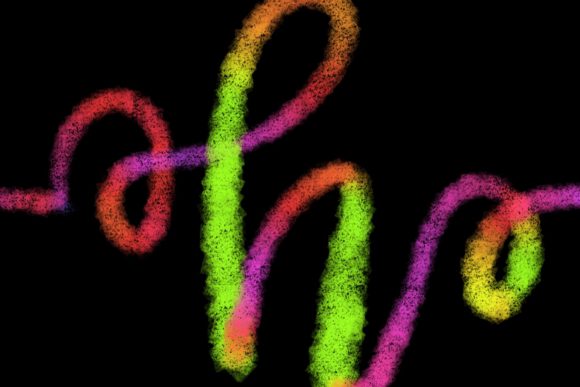
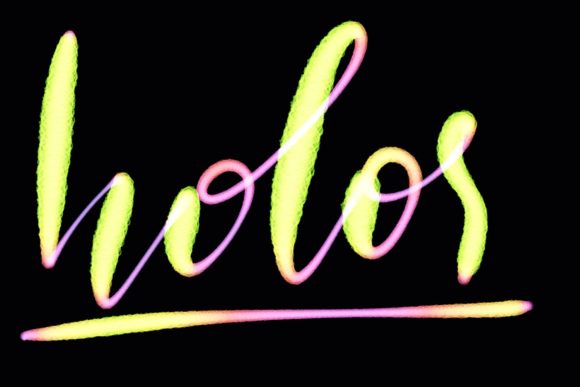
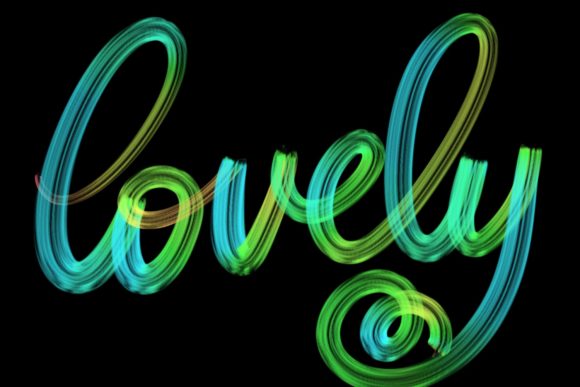
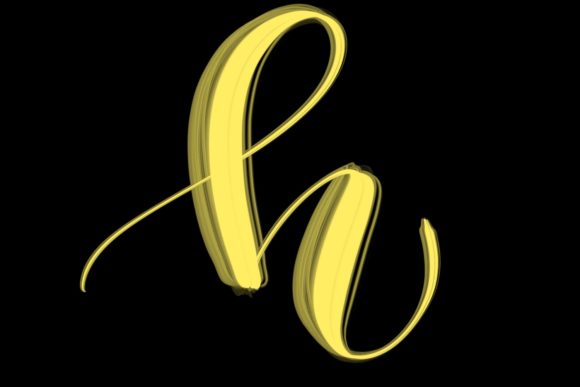
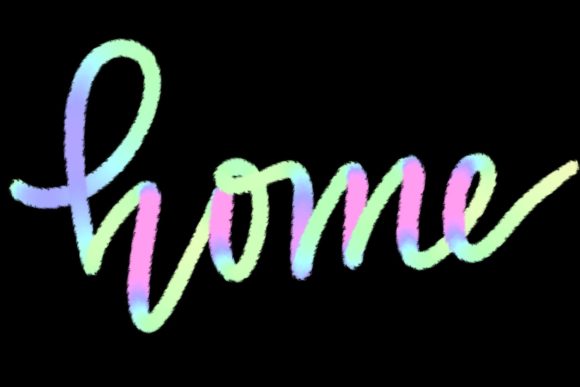
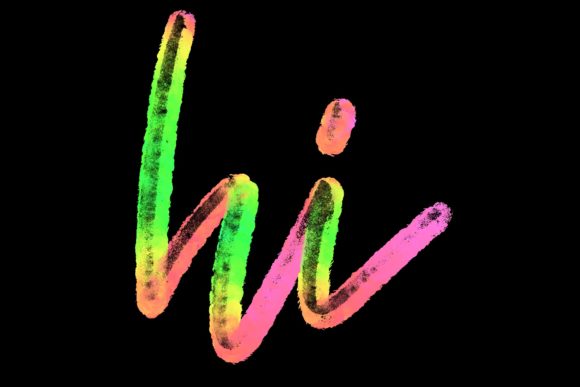
The Sholar Lettering brush is a digital tool designed specifically for the Procreate application on iPad. Unlike standard round brushes that require significant manual control to achieve varying line weights, this brush set is engineered to mimic the behavior of traditional flexible nib pens or brush pens. The primary function of these brushes is to automate some of the pressure-sensitive dynamics involved in creating thick downstrokes and thin upstrokes, which are foundational to modern calligraphy.
Hand-drawn and meticulously calibrated, the brush aims to provide a natural feel while maintaining the precision expected in digital design. It is not merely a texture overlay but a functional tool that responds to the angle and pressure of the stylus. For artists transitioning from analog media to digital platforms, or for digital natives seeking a more organic aesthetic, this brush set serves as a bridge between traditional elegance and digital efficiency.
Key Applications and Use Cases
One of the primary reasons artists consider integrating the Sholar Lettering brush into their toolkit is its versatility across different types of graphic design projects. Because the brush produces clean, elegant lines, it is particularly well-suited for projects where typography is the central visual element.
- Wedding Stationery and Invitations: The elegant nature of the script makes it ideal for formal events where a touch of sophistication is required. Designers can create custom names and dates that feel personal and handcrafted.
- Greeting Cards and Quote Designs: Social media content and printable cards often rely on impactful typography. This brush allows for the rapid creation of inspirational quotes or celebratory messages with a consistent aesthetic.
- Logo Design and Branding: For brands seeking a boutique or artisanal identity, hand-lettered logos created with this brush can convey authenticity and warmth.
- Home Decor and Workspace Art: As noted in product descriptions, these designs are perfect for jazzing up workspaces and homes. Artists can create printable art pieces that add a personalized touch to interior design.
Technical Requirements and Compatibility
Before purchasing or downloading the Procreate Brush - Sholar Lettering, it is crucial to understand the strict hardware and software dependencies. This is not a universal font or vector file that can be used across all design platforms. It is a proprietary brush preset built exclusively for the Procreate ecosystem.
To use this brush effectively, you must have:
- An iPad Pro (or compatible iPad model): The device must support the necessary processing power and screen responsiveness required for smooth digital painting.
- Apple Pencil: This is a non-negotiable requirement. The brush relies entirely on pressure sensitivity and tilt recognition features that are specific to the Apple Pencil. Without a compatible pressure-sensitive stylus, the brush will not function as intended, resulting in uniform lines without the characteristic thick-and-thin variation.
- Procreate App (Version 5 and above): The brush engine in Procreate 5 introduced enhancements that many modern brushes leverage. Ensuring your app is updated is essential for optimal performance.
Important Limitation: This brush is not suitable for Photoshop, Illustrator, Affinity Designer, or any desktop-based software. It is also incompatible with Android tablets or other stylus technologies that do not mirror the specific pressure curves of the Apple Pencil within the Procreate environment. Users looking for a cross-platform solution should look elsewhere.
Benefits and Advantages
The main advantage of using a specialized brush like Sholar Lettering is the reduction in friction between idea and execution. In traditional calligraphy, mastering the physical muscle memory required to control a brush pen can take months or years. While digital lettering still requires skill, the right brush can compensate for minor inconsistencies in pressure application.
Furthermore, the digital format offers undo functionality and layer management. If a letterform is slightly off-balance, it can be adjusted using Procreate’s transformation tools without ruining the entire piece. This iterative process allows for a higher level of polish than is often possible with ink on paper, especially for commercial projects where perfection is expected.
Tradeoffs and Considerations
While the benefits are clear, there are tradeoffs to consider. Relying heavily on a pre-configured brush can sometimes lead to a "generic" look if the artist does not customize the settings or combine the brush with other elements. Additionally, because the brush is designed for a specific aesthetic—modern calligraphy—it may not be suitable for bold, sans-serif typography or rough, grunge-style lettering.
Another consideration is the learning curve associated with digital lettering itself. Even with a high-quality brush, understanding composition, spacing, and kerning is essential. The brush provides the stroke, but the artist must provide the structure. Beginners may find that while the brush helps with line weight, they still need to study letterforms to achieve professional results.
Is Sholar Lettering Right for You?
Deciding whether to invest time in learning this brush set depends on your current tools and goals. This brush is a strong fit if:
- You already own an iPad Pro and Apple Pencil.
- You primarily work within the Procreate app.
- Your design focus includes wedding invites, social media graphics, or hand-lettered quotes.
- You prefer the aesthetic of modern calligraphy over geometric or industrial typography.
Conversely, alternatives may be worth considering if:
- You work primarily on a desktop computer using Adobe Creative Cloud.
- You need vector-based outputs for large-scale printing (though Procreate files can be exported, they are raster-based).
- You prefer a completely custom brush-building process rather than using pre-set tools.
Final Thoughts
The Procreate Brush - Sholar Lettering represents a focused tool for a specific niche of digital artists. It excels in delivering elegant, hand-drawn aesthetics with the convenience of digital editing. By understanding its limitations regarding hardware compatibility and software exclusivity, users can make an informed decision. For those committed to the iPad Pro ecosystem and interested in elevating their typographic designs, this brush set offers a practical and efficient pathway to achieving professional-quality lettering.