Evaluating the Holor Design 2 Procreate Brush Set for Digital Lettering
In the rapidly expanding ecosystem of digital art tools, selecting the right brush set can significantly influence workflow efficiency and aesthetic outcomes. For artists specializing in typography and modern calligraphy, the Procreate Brush - Holor Design 2 Last represents a specialized tool designed to bridge the gap between traditional ink flow and digital precision. This article evaluates the capabilities, limitations, and ideal use cases for this brush set, helping creators determine if it aligns with their specific design goals.
Understanding the Holor Design 2 Brush Set
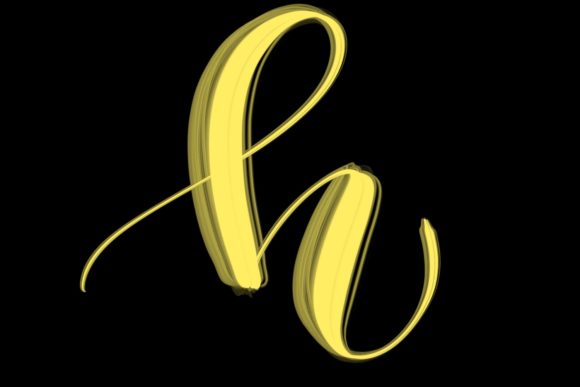
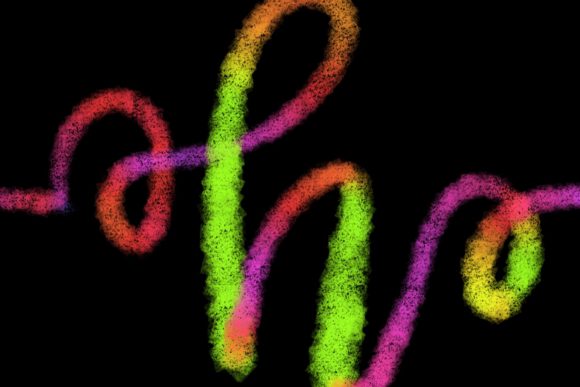
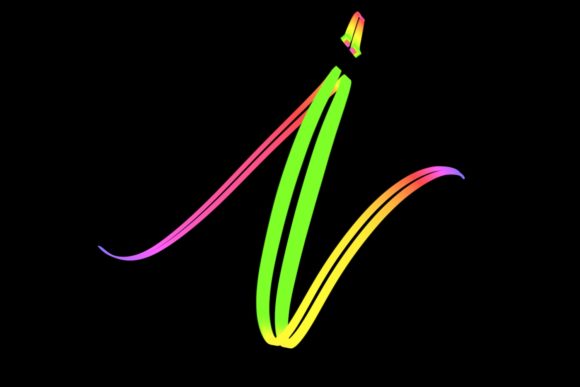
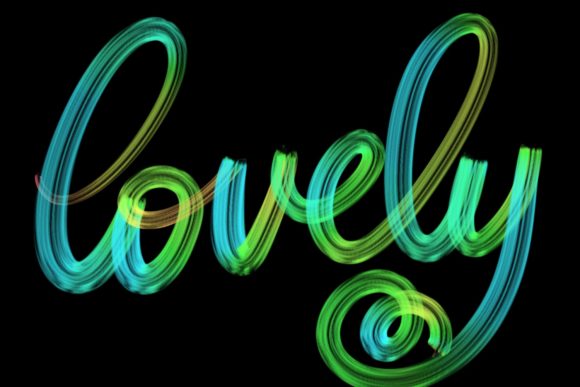
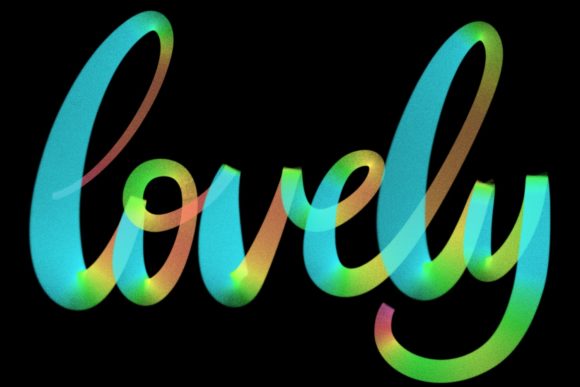
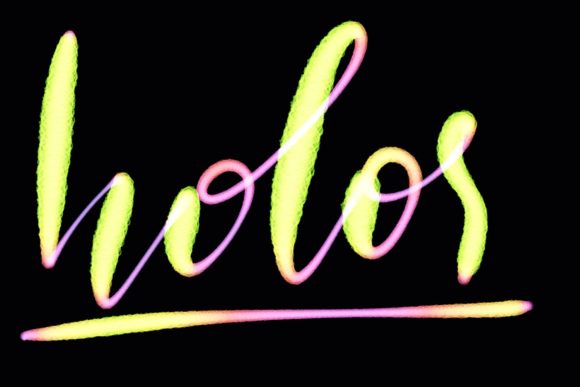
The Holor Design 2 collection is a hand-drawn brush set engineered specifically for the Procreate application on iPad. Unlike generic brush packs that attempt to cover a broad spectrum of artistic styles, this set focuses narrowly on lettering and modern calligraphy. The primary objective of these brushes is to replicate the organic variability of hand-lettered text while leveraging the undo capabilities and layer management of digital software.
Designed for Procreate version 5 and above, the brushes utilize pressure sensitivity to mimic the thick-and-thin transitions characteristic of traditional dip pens and brush markers. This functionality allows users to create elegant letters, quote designs, and custom typography without the steep learning curve often associated with vector-based illustration software. The "hand-drawn" nature of the brush tips means that each stroke retains a degree of natural imperfection, which is crucial for achieving an authentic, human touch in digital graphics.
Key Benefits for Digital Creators
One of the most significant advantages of using the Holor brush for Procreate is the speed at which high-quality typographic elements can be produced. For professionals creating greeting cards, wedding stationery, or social media graphics, time is a critical resource. These brushes reduce the need for manual vectoring of every curve, allowing artists to sketch, refine, and finalize lettering compositions directly on the canvas.
- Versatility in Design Projects: The brush set is suitable for a wide range of applications, including logo design, poster headers, and personalized home decor items. Its ability to jazz up workspace and home environments through custom printable art makes it a valuable asset for interior-focused designers.
- Natural Aesthetic: Because the brushes are modeled after hand-drawn strokes, they avoid the sterile, uniform look often associated with standard digital fonts. This organic quality is particularly desirable in branding projects that aim to convey warmth, authenticity, or artisanal craftsmanship.
- Integration with iPad Workflow: For artists already invested in the Apple ecosystem, the seamless integration with the Apple Pencil ensures a responsive and intuitive drawing experience. The pressure sensitivity allows for dynamic line weight variation, essential for expressive calligraphy.
Technical Requirements and Compatibility Constraints
Before purchasing or downloading the Holor Design 2 set, it is imperative to understand its strict hardware and software dependencies. This is not a universal plugin; it is exclusively compatible with the Procreate app on iPad. Specifically, the brushes require an iPad Pro and a compatible pressure-sensitive stylus, such as the Apple Pencil, to function as intended.
Important Limitation: This brush set is not suitable for Photoshop, Illustrator, Clip Studio Paint, or any desktop-based computer software. Users who rely primarily on desktop workflows or who do not own an iPad Pro will find this product unusable. Furthermore, older iPad models that lack full pressure sensitivity support may not deliver the expected performance, resulting in flat, unvarying lines that defeat the purpose of a calligraphy brush.
This exclusivity means that the investment is only logical for artists who are fully committed to the iPad Pro ecosystem. For hybrid artists who switch between desktop and tablet environments, the inability to transfer these specific brush dynamics to other platforms may represent a significant tradeoff.
Ideal Use Cases and Audience Fit
The Procreate Brush - Holor Design 2 Last is a strong fit for specific types of creative professionals and hobbyists. Evaluating your current project needs against the following scenarios can help determine if this tool is appropriate for your workflow.
Strong Fit Scenarios
- Wedding and Event Stationery Designers: The demand for customized, elegant invitations and place cards is high. The Holor brushes allow for rapid creation of bespoke lettering that feels personal and luxurious, meeting client expectations for high-end aesthetics.
- Social Media Content Creators: Influencers and brands often require unique quote graphics and headers. The ability to quickly generate stylish text overlays can enhance visual engagement without requiring extensive graphic design training.
- Home Decor Artists: As noted in the product description, these brushes are perfect for creating designs intended for home spaces. Artists selling prints, posters, or canvas art can leverage the modern calligraphy style to produce trending decor items.
Situations Requiring Alternatives
While the Holor set is powerful, it is not a one-size-fits-all solution. There are several situations where alternative tools or brush sets might be more appropriate:
- Vector-Based Logo Design: If the primary goal is creating scalable logos for large-format printing, vector software like Adobe Illustrator remains superior. While Procreate files can be exported, they are raster-based, which may limit scalability compared to native vector paths.
- Desktop-Only Workflows: Artists who prefer working on macOS or Windows PCs should look for brush sets compatible with Photoshop or Affinity Designer. The Holor set offers no value in these environments.
- Highly Geometric Typography: If the design requirement is for strict, geometric sans-serif fonts or highly structured technical lettering, a font creation tool or vector pen tool would provide greater precision than a hand-drawn calligraphy brush.
Practical Decision-Making Insights
When evaluating whether to incorporate the Holor Design 2 into your toolkit, consider the following practical factors:
Learning Curve vs. Immediate Utility: While Procreate is generally user-friendly, mastering digital calligraphy requires practice. The brush provides the tool, but not the skill. Users should be prepared to invest time in practicing stroke consistency and pressure control. However, for those with existing hand-lettering skills, the transition to digital using these brushes is typically smooth and rewarding.
Cost-Benefit Analysis: Compare the cost of the brush set against the time saved in manual lettering. If you frequently create custom text elements, the efficiency gains can justify the purchase quickly. Conversely, if you only occasionally add text to illustrations, a standard Procreate brush or a pre-made font might suffice.
Hardware Investment: Ensure your hardware meets the requirements. Using these brushes on a non-Pro iPad or with a third-party stylus that lacks accurate pressure sensitivity will result in a subpar experience. The full potential of the Holor brushes is only unlocked with the precise input data provided by the Apple Pencil on an iPad Pro.
Conclusion
The Procreate Brush - Holor Design 2 Last is a specialized, high-quality tool for digital lettering enthusiasts and professionals working within the iPad Pro ecosystem. It excels in creating organic, elegant typography for stationery, branding, and decor. However, its utility is strictly bounded by its compatibility requirements. By carefully assessing your hardware setup, software preferences, and specific design needs, you can determine whether this brush set is the right addition to your digital arsenal. For those committed to modern calligraphy on iPad, it offers a compelling blend of traditional aesthetic and digital convenience.