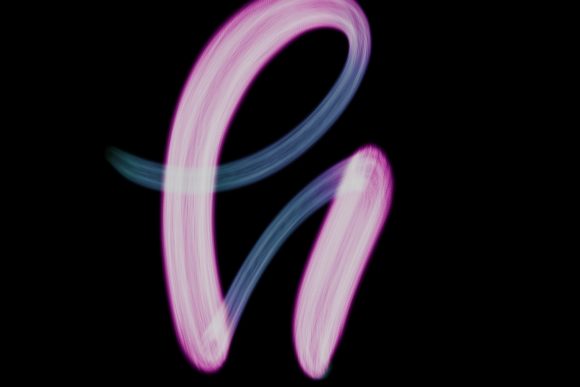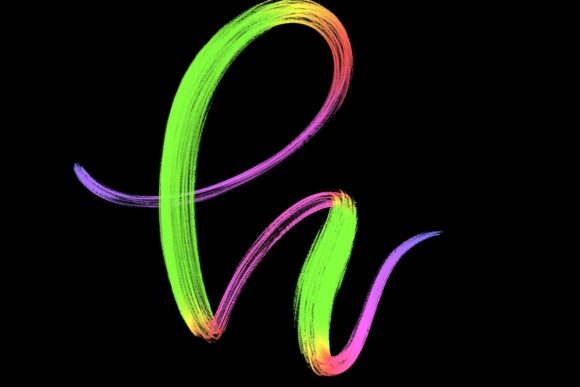
Procreate Brush - Lettering Love 14: Elevating Your Digital Calligraphy Workflow
There is a distinct difference between typing a message and handwriting it. In the digital age, where communication is often reduced to sterile sans-serif fonts, adding a human touch can transform how your audience perceives your work. This is where the Procreate Brush - Lettering Love 14 comes into play. It is not just another tool in your digital arsenal; it is a bridge between traditional ink-on-paper aesthetics and the flexibility of modern tablet design. Designed specifically for Procreate 5 and above, this brush set allows creators to infuse warmth, personality, and elegance into their projects without the mess of physical supplies.
Why Hand-Drawn Brushes Matter in a Digital World
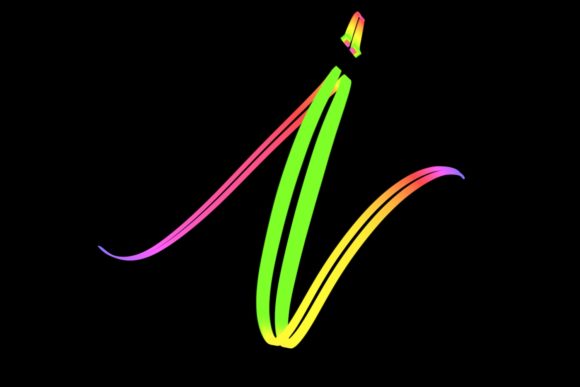
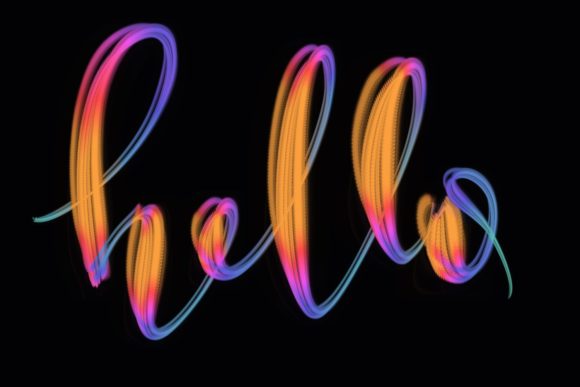
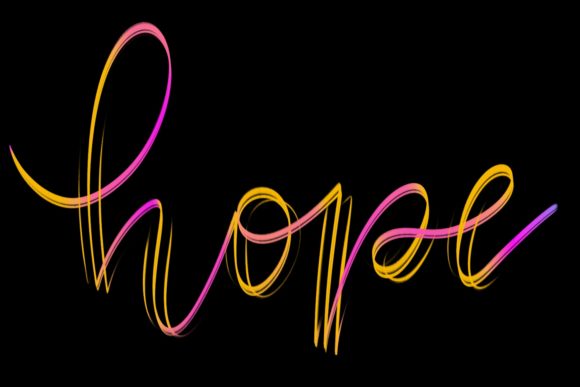
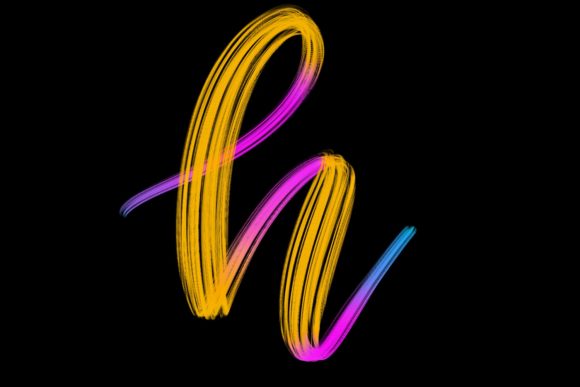
Many designers start with standard vector tools or basic round brushes, only to find their work lacks soul. The Lettering Love 14 brush was hand-drawn and engineered to mimic the natural flow of modern calligraphy. When you use a stylus like the Apple Pencil, the pressure sensitivity interacts with the brush’s texture to create thick downstrokes and delicate upstrokes automatically. This reduces the learning curve for beginners while offering the nuance professionals demand.
The value here lies in efficiency and authenticity. Instead of spending hours adjusting vector points to simulate a handwritten look, you can sketch, refine, and finalize lettering in minutes. The result is organic imperfection—the slight waver of a line, the subtle taper of a tail—that makes digital art feel tangible and relatable.
Real-World Applications for Creators and Entrepreneurs
Understanding where and when to use this brush is key to maximizing its potential. It is versatile enough to serve various industries, from wedding planning to social media marketing. Here is how different users can integrate Procreate Brush - Lettering Love 14 into their daily workflows.
Wedding Stationery and Event Design
For freelance designers specializing in nuptials, typography is everything. Couples often seek invitations that feel personal and romantic. Using this brush, you can create custom monograms, save-the-date cards, and table numbers that exude elegance. Because the brush handles pressure sensitivity so well, you can achieve those sweeping, dramatic flourishes that are hallmark features of high-end wedding stationery. You can draft multiple variations quickly, allowing clients to choose their favorite style without the time commitment of traditional dip-pen calligraphy.
Social Media Content and Branding
Marketers and bloggers know that stop-scrolling power often comes from unique visuals. A quote graphic designed with Lettering Love 14 stands out against a feed of stock photos. Whether you are creating Instagram stories, Pinterest pins, or YouTube thumbnails, hand-lettered text adds a layer of branding consistency. Small business owners can use this brush to design logos that feel approachable and artisanal. Think of boutique coffee shops, handmade jewelry stores, or lifestyle coaches who want their brand identity to reflect warmth and care rather than corporate rigidity.
Greeting Cards and Personal Gifts
On a personal level, this brush set is perfect for creating one-of-a-kind greeting cards. Birthdays, anniversaries, and holidays become more meaningful when the text is crafted by hand. You can combine the lettering with simple digital illustrations or watercolor backgrounds within Procreate to create layered, textured designs. For educators or parents, it is also a fantastic way to create personalized learning materials, such as alphabet charts or motivational posters for a child’s room, making the home environment both educational and aesthetically pleasing.
Technical Requirements and Compatibility
Before diving in, it is crucial to understand the technical ecosystem required for this tool. The Procreate Brush - Lettering Love 14 is optimized exclusively for the Procreate app on iPad. Specifically, it requires:
- iPad Pro (or compatible iPad models that support Procreate 5+)
- Apple Pencil or a compatible pressure-sensitive stylus
- Procreate App (version 5 or higher)
It is important to note that this brush is not suitable for Photoshop, Illustrator, or any desktop-based software. It relies heavily on the specific pressure algorithms and tilt recognition features found in the Procreate engine on iPadOS. If you attempt to use it on a computer without a tablet interface, or with a non-pressure-sensitive mouse, you will not achieve the intended dynamic stroke variation. This limitation ensures quality but requires users to have the correct hardware setup.
Maximizing Your Output with Lettering Love 14
To get the most out of this brush, consider the context of your project. Are you designing for print or screen? For print materials like wedding invites, ensure your canvas resolution is set to at least 300 DPI to maintain crisp edges. For digital-only content like social media posts, 72–150 DPI is sufficient and keeps file sizes manageable.
Experiment with opacity and flow settings within Procreate. While the brush is pre-configured for optimal performance, tweaking these settings can help you achieve different moods. Lowering the opacity can create a subtle, watermark-like effect for background textures, while full opacity delivers bold, confident statements. Layering is another powerful technique. Try writing your base lettering with Lettering Love 14, then adding a second layer with a textured brush to simulate ink bleed or paper grain. This adds depth and realism that flat digital colors often lack.
Who Benefits Most from This Tool?
This brush set is ideal for a wide range of users, but it particularly benefits those who value speed without sacrificing quality.
- Freelance Graphic Designers: Who need to deliver custom typography quickly to meet tight deadlines.
- Small Business Owners: Who want to create professional-looking marketing materials in-house without hiring expensive agencies.
- Hobbyists and Crafters: Who enjoy the meditative process of lettering but prefer the undo button and clean workspace of digital art.
- Educators: Who need engaging, hand-written style visuals for presentations and worksheets.
Each of these groups shares a common goal: communicating effectively through visually appealing text. The Procreate Brush - Lettering Love 14 removes the technical barriers to achieving that goal.
Final Thoughts on Integrating Digital Lettering
Adopting a new brush set is more than just downloading a file; it is about expanding your creative vocabulary. The Lettering Love 14 brush encourages you to slow down and consider the rhythm of your letters. It invites you to jazz up your workspace and home with designs that feel personal and intentional. Whether you are drafting a logo for a new venture or writing a heartfelt note to a friend, this tool provides the elegance and flexibility needed to make your message resonate. By understanding its requirements and exploring its diverse applications, you can transform simple text into compelling visual art that connects with your audience on a deeper level.