Mastering Modern Calligraphy: A Practical Review of the Procreate Brush - Lettering Love 28
Digital lettering has evolved from a niche hobby into a fundamental skill for graphic designers, wedding stationers, and content creators. While the iPad and Apple Pencil have democratized access to high-quality design tools, the software experience relies heavily on the specific brushes chosen. Among the myriad options available, the Procreate Brush - Lettering Love 28 has emerged as a specialized tool designed to bridge the gap between traditional ink flow and digital precision. This article explores the capabilities of this brush set, evaluates its suitability for various design tasks, and helps you determine if it aligns with your creative workflow.
Understanding the Design Philosophy
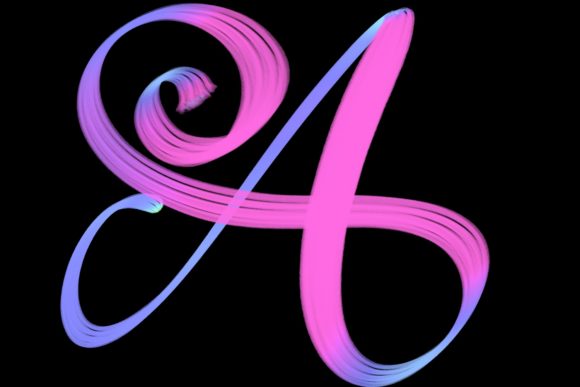
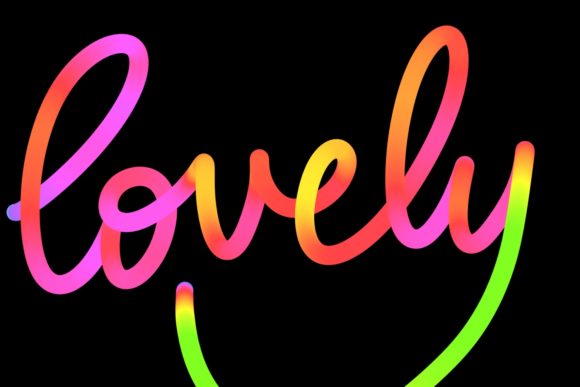
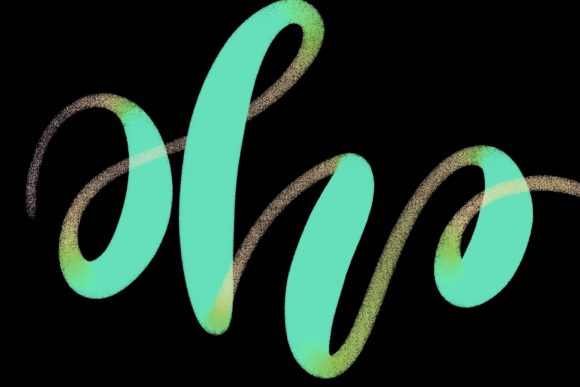
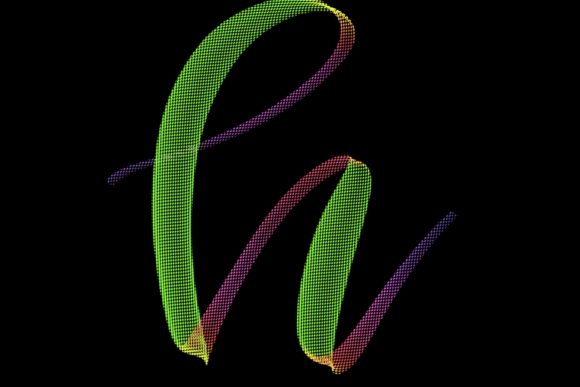
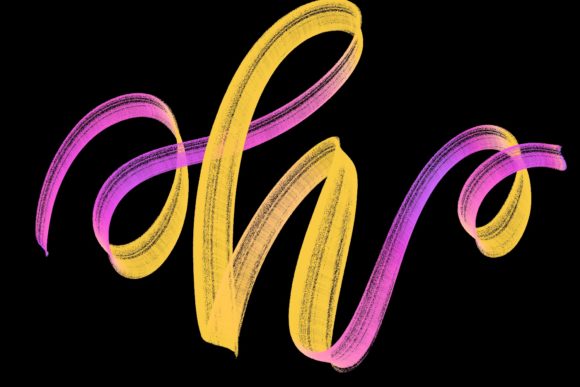
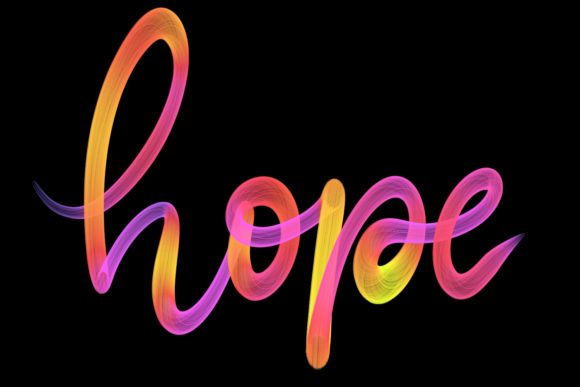
The Lettering Love 28 is not merely a standard round brush with pressure sensitivity adjusted. It is a hand-drawn asset specifically engineered for modern calligraphy and elegant script work. Unlike generic brushes that attempt to mimic every possible medium, this set focuses on a singular outcome: creating fluid, organic-looking letters that retain the charm of hand-lettered art without the mess of physical supplies.
What distinguishes this brush is its responsiveness. When paired with the pressure-sensitive capabilities of the Apple Pencil on an iPad Pro, the brush dynamically adjusts stroke width based on the speed and force of your movement. This allows for the thick downstrokes and thin upstrokes characteristic of traditional calligraphy. For users transitioning from paper to screen, this tactile feedback is crucial. It reduces the learning curve associated with digital lettering, where strokes can often feel too uniform or artificial.
Ideal Use Cases and Applications
Understanding where this tool excels helps in evaluating its value. The Procreate Brush - Lettering Love 28 is particularly effective for projects that require a personal, human touch. Here are several practical applications where this brush shines:
- Wedding Stationery: From save-the-dates to place cards, the elegant curves produced by this brush add a sophisticated flair that mass-produced fonts often lack.
- Social Media Graphics: Quote designs and inspirational posts benefit from the unique variability of hand-lettering, making content stand out in crowded feeds.
- Logo Design: For boutique brands seeking a bespoke identity, this brush allows for the creation of custom wordmarks that feel authentic and approachable.
- Greeting Cards: Whether for birthdays or holidays, the ability to quickly draft and refine lettering makes the design process more efficient.
Additionally, when combined with complementary assets like the Rainbow Metallic Shimmer brush, designers can add texture and depth to their lettering. This combination is perfect for jazzing up workspace decor prints or home art pieces, offering a metallic finish that mimics real foil stamping or metallic ink.
Comparing Digital Brushes to Traditional Methods
When evaluating the Procreate Brush - Lettering Love 28, it is helpful to compare it against traditional calligraphy tools. Traditional methods using dip pens and ink offer unparalleled texture but come with significant tradeoffs: ink spills, the need for constant nib cleaning, and the inability to easily undo mistakes. Digital lettering solves these logistical issues while introducing new challenges, such as the lack of physical resistance.
This brush set attempts to mitigate the "slippery" feel of glass screens by optimizing friction settings within the Procreate engine. However, it is important to note that no digital brush can perfectly replicate the capillary action of ink on paper. The advantage here is not perfect replication, but rather efficiency and flexibility. You can resize, recolor, and reposition your lettering instantly—a feature that saves hours of work compared to scanning and editing handwritten pieces.
Evaluating Alternatives and Competitors
The market for Procreate brushes is saturated. How does Lettering Love 28 compare to other options? Many free brushes available online offer basic pressure sensitivity but lack the nuanced tapering and ink bleed effects that give lettering character. Premium alternatives often focus on dry media, such as charcoal or pencil, which serve different artistic purposes.
If your goal is strict, geometric sans-serif typography, this brush is not the right choice. Vector-based tools like Adobe Illustrator or Procreate’s technical pens would be more appropriate. However, if you are aiming for organic, flowing script with variable weight, Procreate Brush - Lettering Love 28 offers a refined experience that many general-purpose brushes miss. It strikes a balance between control and spontaneity, allowing for both precise monograms and loose, expressive quotes.
Technical Requirements and Limitations
Before purchasing or downloading any specialized brush, it is critical to understand the hardware constraints. The Procreate Brush - Lettering Love 28 is designed exclusively for the Procreate app on iPad. It requires an iPad Pro and an Apple Pencil (or a compatible pressure-sensitive stylus) to function correctly.
Important Compatibility Notes:
- Device Specific: The brush relies on the high-resolution screen and processing power of the iPad Pro for optimal performance. While it may function on older iPad models, the responsiveness may vary.
- Stylus Requirement: A capacitive stylus without pressure sensitivity will not yield the intended thick-and-thin stroke variation. The Apple Pencil is the recommended tool for this level of detail.
- Software Exclusivity: This brush is not suitable for Photoshop, Clip Studio Paint, or any desktop computer software. It is formatted specifically for Procreate’s brush engine (version 5 and above). Attempting to use it in other applications will result in errors or improper rendering.
These limitations are not necessarily drawbacks but rather specifications that ensure quality. By narrowing the focus to a specific ecosystem, the developers can optimize the brush behavior for that environment. However, users who rely on a cross-platform workflow involving desktop software should consider whether this single-platform tool fits their broader needs.
Decision Factors: Is This Brush Right for You?
Choosing the right digital tool depends on your specific goals and current setup. Consider the following factors when deciding if the Procreate Brush - Lettering Love 28 is a worthwhile addition to your library:
- Your Skill Level: If you are a beginner, this brush can help mask minor inconsistencies in stroke pressure, providing a smoother learning curve. Advanced users will appreciate the fine control over tapering and flow.
- Project Type: If you primarily create technical diagrams or hard-edge graphics, this brush may sit unused. It is best suited for creatives focusing on branding, invitation design, and artistic typography.
- Hardware Investment: Ensure you have the necessary hardware. If you are using an entry-level iPad without Apple Pencil support, this brush will not deliver its promised benefits.
- Workflow Integration: If you already work within the Apple ecosystem and use Procreate as your primary design tool, this brush integrates seamlessly. If you prefer vector workflows, you may find the raster-based nature of Procreate limiting for scalable logo work.
Maximizing Your Creative Output
To get the most out of the Lettering Love 28 brush, experiment with layer opacity and blending modes. Combining this brush with textured backgrounds can enhance the hand-made aesthetic. Furthermore, utilizing the Rainbow Metallic Shimmer brush for accent details can elevate simple black-and-white lettering into vibrant, eye-catching compositions suitable for home decor or premium packaging designs.
Practice is essential. Spend time adjusting the size and opacity settings to match your natural hand movement. Unlike physical pens, digital brushes allow you to customize the streamlining feature in Procreate, which can stabilize shaky lines. Finding the right balance between stabilization and natural flow is key to mastering this tool.
Final Thoughts
The Procreate Brush - Lettering Love 28 represents a focused solution for digital lettering enthusiasts. It is not a universal tool for all design tasks, but for those specializing in modern calligraphy, wedding stationery, and elegant graphic design, it offers a compelling blend of ease-of-use and professional results. By understanding its requirements and ideal use cases, you can make an informed decision about whether it deserves a place in your digital toolkit. Remember, the best brush is the one that helps you express your vision efficiently, and for many lettering artists, this set provides the perfect foundation for creating beautiful, personalized work.