Elevate Art with Noisier Lettering
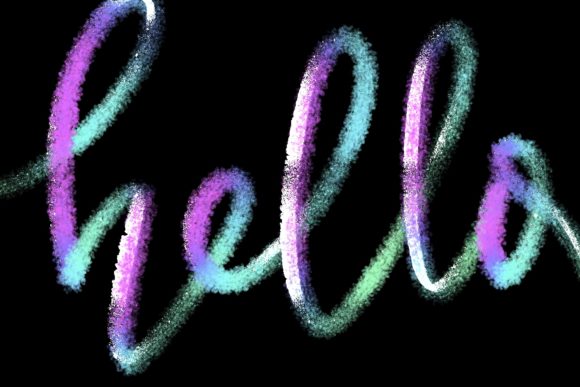
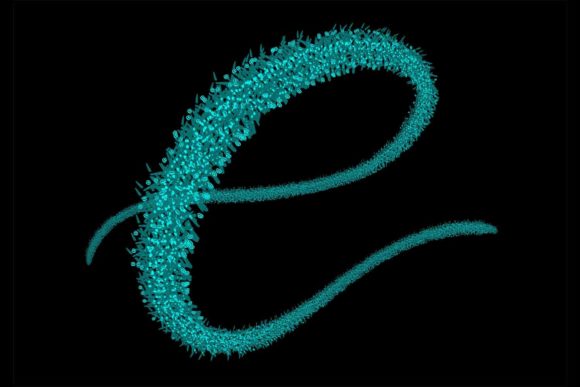
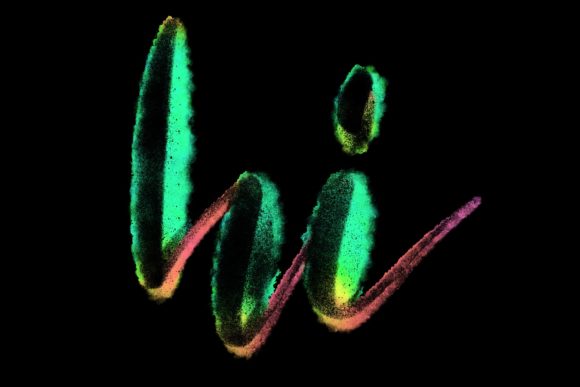
Digital lettering often suffers from a sterile, overly polished aesthetic. The perfect curve and uniform stroke width can make hand-lettered designs feel mechanical rather than human. This is where texture becomes essential. The Procreate Brush - Noisier Lettering introduces a subtle, organic grain to your typography, bridging the gap between digital precision and traditional media. For creators working in Procreate 5 and above, this tool is not just a brush; it is a stylistic shift that adds warmth, character, and depth to every stroke.
Whether you are designing wedding stationery, crafting social media quotes, or developing a brand logo, the noise effect provides a tactile quality that flat vectors simply cannot replicate. It mimics the way ink bleeds slightly into textured paper or how chalk dust settles on a board. This article explores how this specific brush set can transform your workflow, enhance your creative output, and help you produce work that feels authentically handmade.
The Power of Texture in Modern Calligraphy
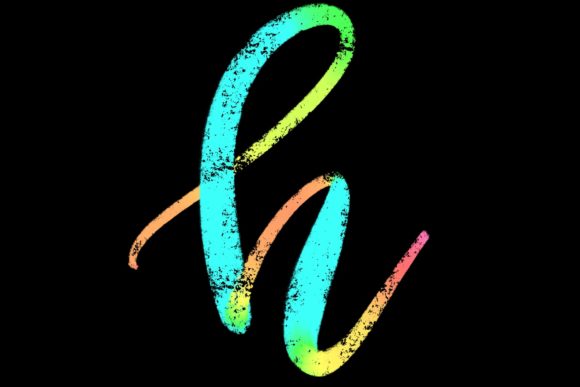
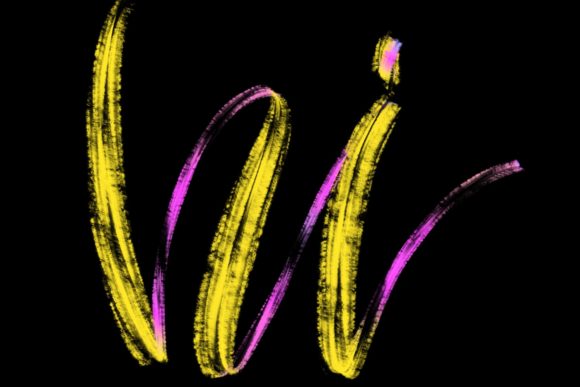
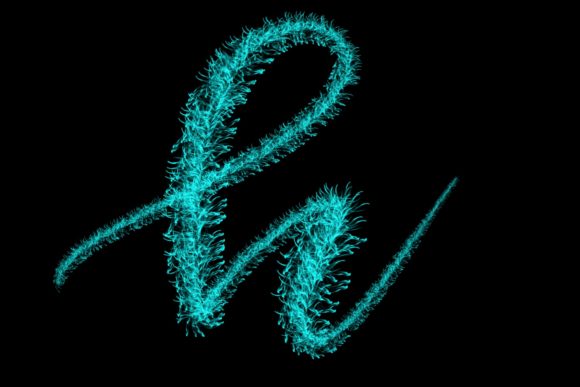
In the world of graphic design, texture is often the differentiator between a good design and a great one. Flat colors and clean lines have their place, but they can sometimes lack emotional resonance. The Noisier Lettering brush addresses this by embedding a hand-drawn noise pattern directly into the stroke dynamics. Unlike post-production filters that apply grain over an entire image, this brush builds texture into the lettering process itself.
This approach offers several distinct advantages:
- Authenticity: The irregular edges and internal grain mimic natural media, making digital work feel more approachable and human.
- Visual Interest: Noise breaks up large blocks of color, preventing heavy strokes from looking muddy or flat.
- Versatility: The level of noise can be adjusted through opacity and pressure sensitivity, allowing for both subtle whispers of texture and bold, gritty statements.
For professionals, this means less time spent adding texture overlays in Photoshop and more time focusing on the composition and flow of the letterforms. The brush is designed specifically for the Apple Pencil’s pressure sensitivity, ensuring that the noise responds dynamically to how hard or softly you press against the iPad screen.
Practical Applications for Creators and Businesses
The utility of the Procreate Brush - Noisier Lettering extends far beyond personal hobby projects. Its ability to convey elegance mixed with rustic charm makes it a valuable asset across various industries. Here is how different professionals can leverage this tool.
Wedding and Event Stationery
The wedding industry thrives on aesthetics that feel personal and curated. Couples often seek invitations that look handcrafted rather than mass-produced. Using this brush for monograms, date lines, and header text adds a sophisticated, artisanal touch. The noise effect pairs beautifully with watercolor backgrounds or minimalist white space, creating a high-end look without the need for physical calligraphy skills.
Brand Identity and Logos
Startups and small businesses often want to appear approachable and authentic. A logo created with Noisier Lettering can convey a sense of heritage or craft, even for a new company. Think of artisanal coffee shops, boutique bakeries, or handmade jewelry brands. The textured typography suggests quality and attention to detail, helping these businesses stand out in a market saturated with sleek, corporate sans-serifs.
Social Media and Content Creation
In the fast-paced world of Instagram and Pinterest, static text images need to grab attention quickly. Quote graphics created with this brush have higher engagement potential because they feel like personal notes rather than generic templates. Marketers and influencers can use the brush to highlight key phrases in videos or create cohesive story highlights that maintain a consistent, stylish aesthetic.
Educational and Editorial Design
Educators and bloggers can use textured lettering to make headers and pull quotes more engaging. In digital worksheets or e-books, the visual break provided by noisy lettering can help guide the reader’s eye and reduce fatigue. It adds a layer of personality to educational materials, making them feel less like textbooks and more like interactive journals.
Technical Requirements and Compatibility
To get the most out of this tool, it is crucial to understand its technical constraints. The Procreate Brush - Noisier Lettering is engineered exclusively for the Procreate ecosystem. It relies heavily on the specific pressure algorithms and tilt recognition features found in the iPad Pro environment.
Essential Requirements:
- Hardware: An iPad Pro is recommended for the best performance, though other iPad models supporting Procreate 5+ may work with varying degrees of pressure sensitivity.
- Stylus: An Apple Pencil (or a compatible pressure-sensitive stylus) is mandatory. The brush’s dynamic noise response depends on pressure data that finger touches or non-pressure styluses cannot provide.
- Software: Procreate version 5 or higher. Older versions may not support the specific brush engine features used to create the noise effect.
Important Limitations:
It is vital to note that this brush is not suitable for Photoshop, Illustrator, or any desktop-based software. It is also incompatible with Android tablets or Windows surfaces running different drawing applications. Attempting to import this brush file into unsupported software will result in errors or a loss of functionality. This specialization ensures that the brush performs optimally within its intended environment, but it does limit cross-platform workflow flexibility.
Tips for Maximizing Your Workflow
Integrating a new brush into your routine requires some experimentation. Here are practical tips to help you master the Noisier Lettering brush:
- Adjust Streamline: If your letters look too shaky, increase the streamline setting in Procreate. This smooths out your strokes while retaining the textured edge, giving you clean curves with organic grit.
- Layer Opacity: For a subtler effect, try lowering the opacity of the brush layer. This allows the noise to blend more naturally with background textures or colors underneath.
- Combine with Clean Fonts: Pair noisy script with clean, sans-serif body text. This contrast creates visual hierarchy and ensures readability while maintaining stylistic flair.
- Experiment with Color: Dark gray or muted tones often showcase the noise better than pure black. Try using deep navy, charcoal, or earthy browns to let the texture shine.
Final Thoughts on Digital Texture
The Procreate Brush - Noisier Lettering is more than a novelty; it is a functional tool for modern designers who value authenticity. By bringing the imperfections of traditional media into the digital realm, it allows creators to produce work that resonates on a deeper, more human level. Whether you are jazzing up your home workspace with custom art or delivering professional client projects, this brush set offers a reliable way to add elegance and character to your typography. Embrace the noise, and let your letters speak with texture.